After clicking submit on an order you can access the label and packing slip. If you need to access this again later on you will need to follow these steps:
1. From the Orders page, look for the order you want to download a shipping label for and click view
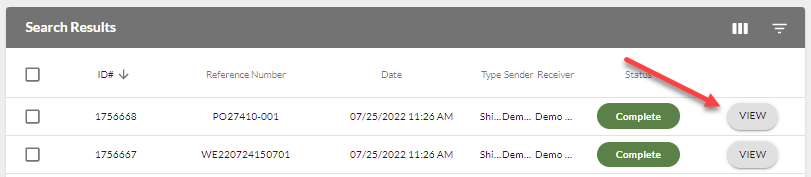
2. Scroll to the bottom of the order > Related documents > Choose the Shipment document
3. Click on View Packing Slip